Rank Math SEO Plugin Review from an SEO Consultant (2026 Update)
I first reviewed Rank Math in 2019 when it was the new kid on the block. Seven years, 3 million users, and an AI overhaul later, here is an honest update on where it stands in 2026.
I first reviewed Rank Math in February 2019. Back then, it was a free WordPress SEO plugin by MyThemeShop that nobody had really heard of. I called it “a definite step up” over the existing options, noted the Schema support was genuinely good, and flagged a few things that needed work.
Seven years later, Rank Math has over 3 million active installations, a 4.8 star rating on WordPress.org, 171 million+ total downloads, and has become the plugin that most SEO professionals now recommend over Yoast. The promised features I mentioned in 2019 (internal link manager, rank tracker) all shipped. A premium tier arrived. An entire AI layer got bolted on.
So I thought it was time to revisit the original review, keep what still holds true, and give an honest update on everything that has changed.
What Still Holds Up from 2019
Some things I praised in the original review remain strengths today.
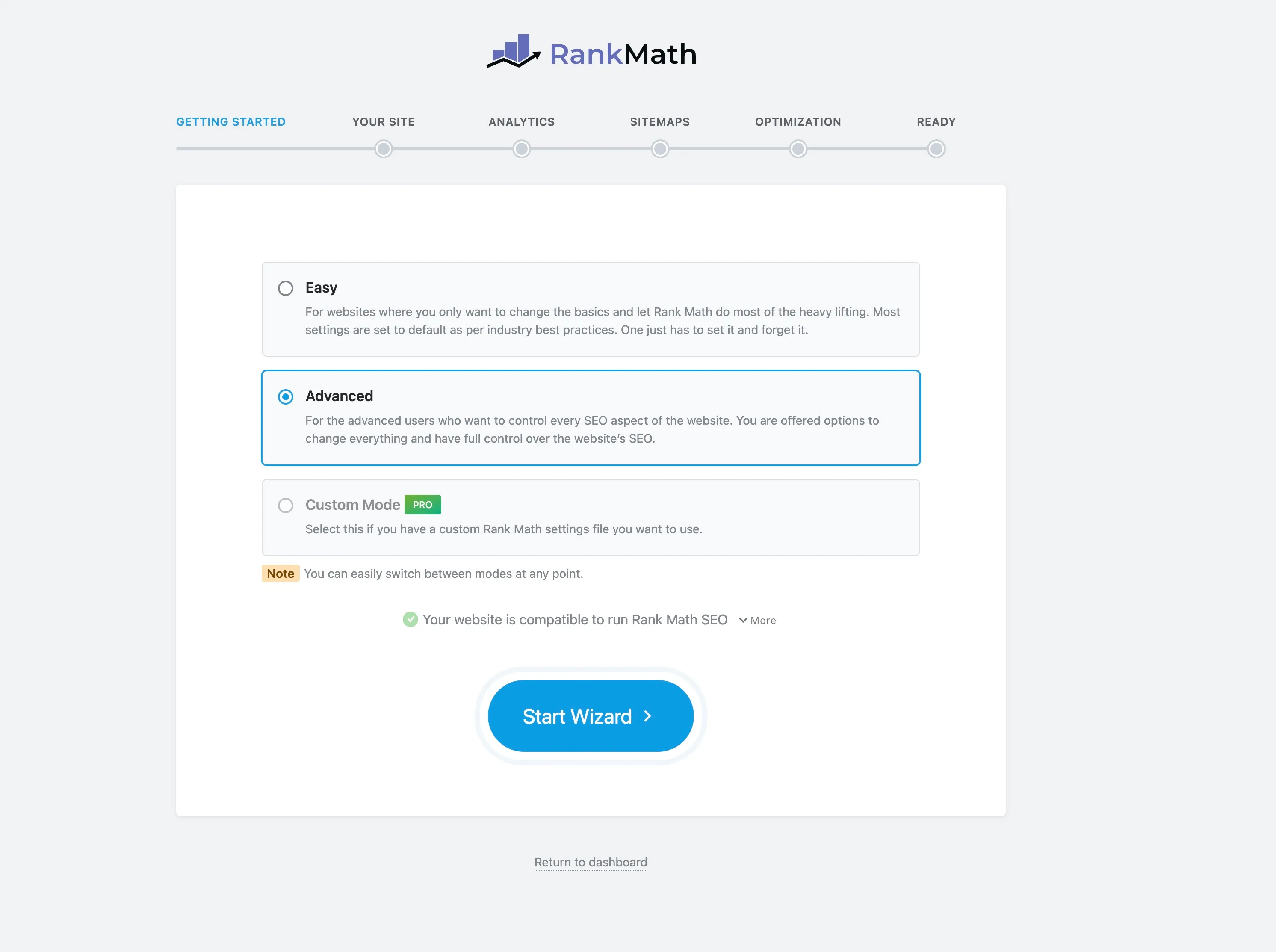
The setup wizard is still one of the smoothest onboarding experiences in the WordPress plugin space. One click migration from Yoast, All in One SEO, SEOPress, and the Redirection plugin works reliably. If you are switching from another SEO plugin, this is where Rank Math earns its keep immediately.
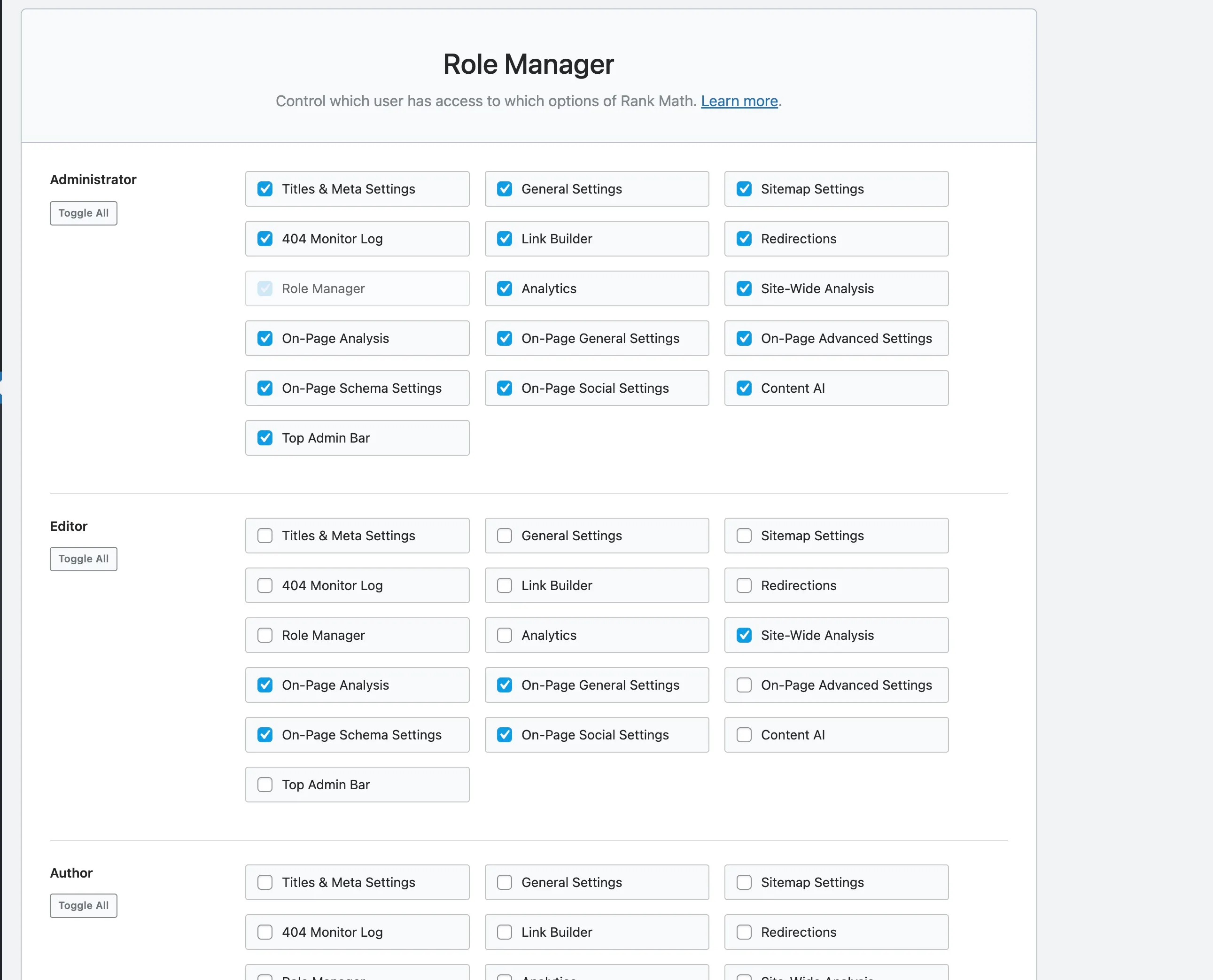
The Role Manager is still a killer feature. I called it one of my favourites in 2019 and that hasn’t changed. Being able to control exactly which Rank Math features each WordPress user role can access is something most competing plugins still don’t offer properly. If you have a team of content writers, this alone justifies the switch.
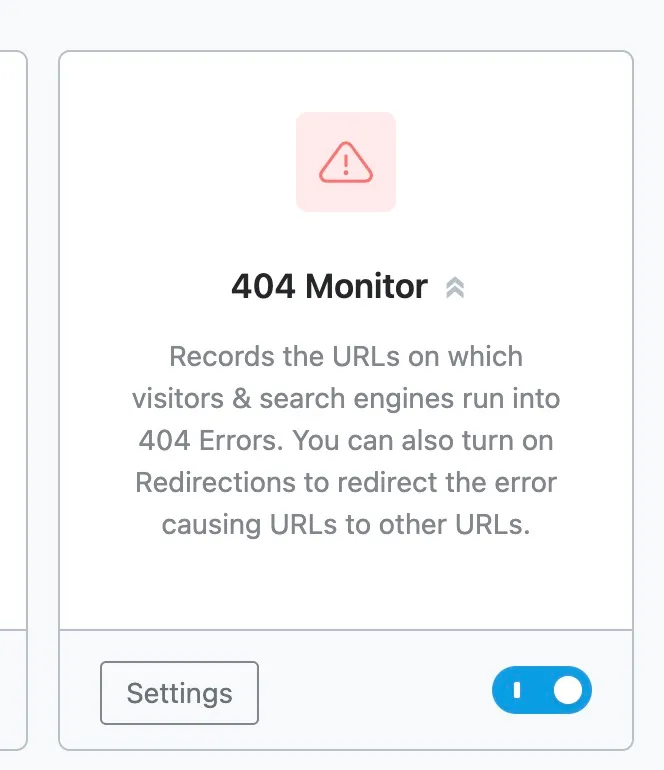
The 404 monitor and redirect manager has only gotten better. It now supports 301, 302, and 307 redirects, regex based rules, and bulk redirect management. For a feature that most SEO plugins lock behind a premium paywall, having this in the free version is significant.
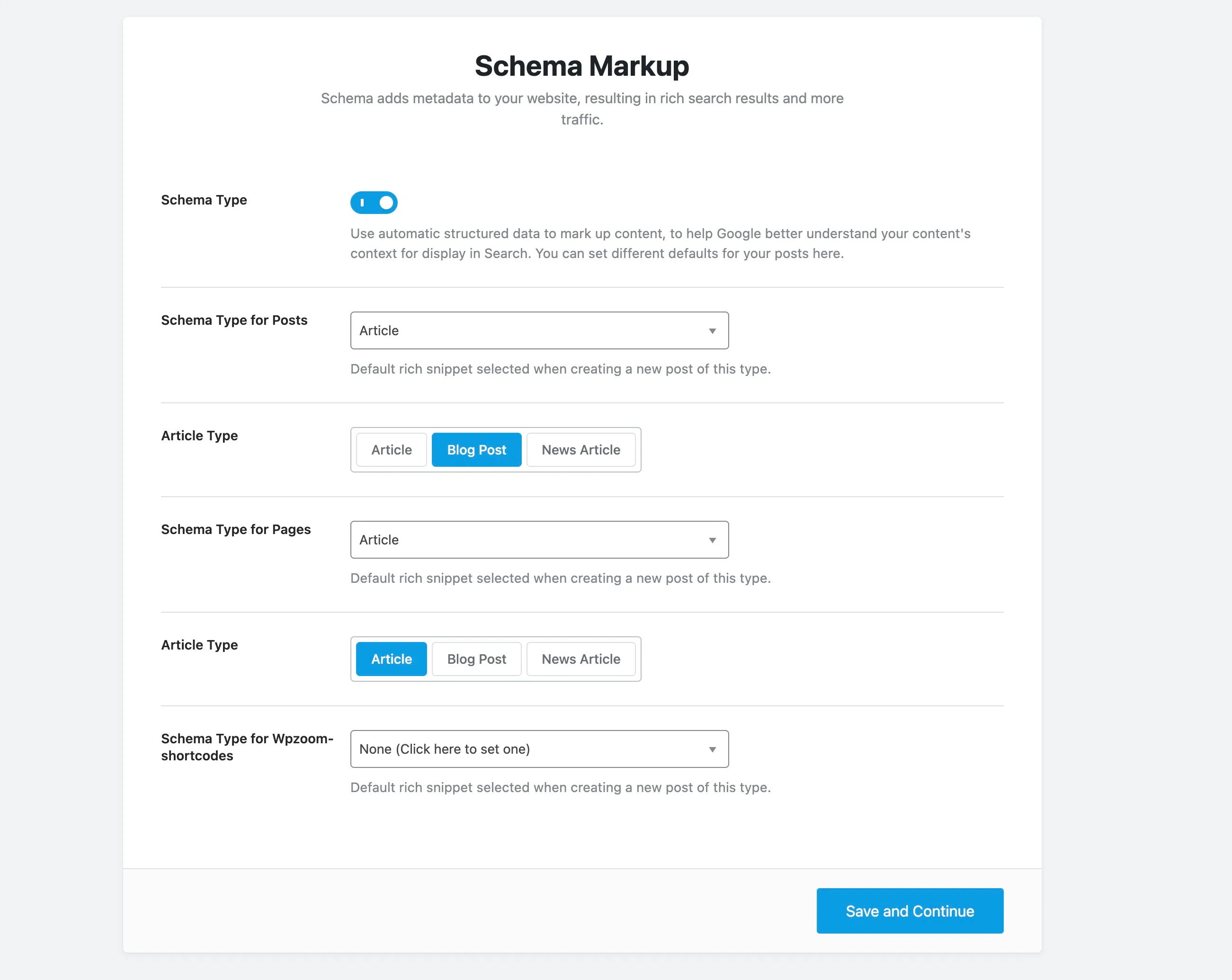
Schema support went from good to excellent. In 2019 I noted it supported 14 types of rich snippets. Today that number is over 20, and the Advanced Schema Builder lets you create custom schema visually without touching code. You can even import schema from other websites and apply schema templates across your site. For anyone who has ever wrestled with manual JSON-LD, this is a genuine time saver.
Content analysis is still solid for the basics. My original criticism that it was “a little over engineered” still partially applies, but they have refined the scoring system. It now runs 30+ factors through a single 0 to 100 score rather than Yoast’s traffic light system, which I find more actionable. The unlimited focus keyword targeting in the free version (compared to Yoast’s single keyword limit) remains one of the biggest differentiators.
What’s New Since 2019
This is where things get interesting. Rank Math in 2026 is a fundamentally different product from what I reviewed in 2019.
Analytics Module
The Google Search Console integration I praised in 2019 has evolved into a full analytics dashboard. Rank Math now pulls data from Google Search Console, Google Analytics, and AdSense into a single view inside your WordPress admin.
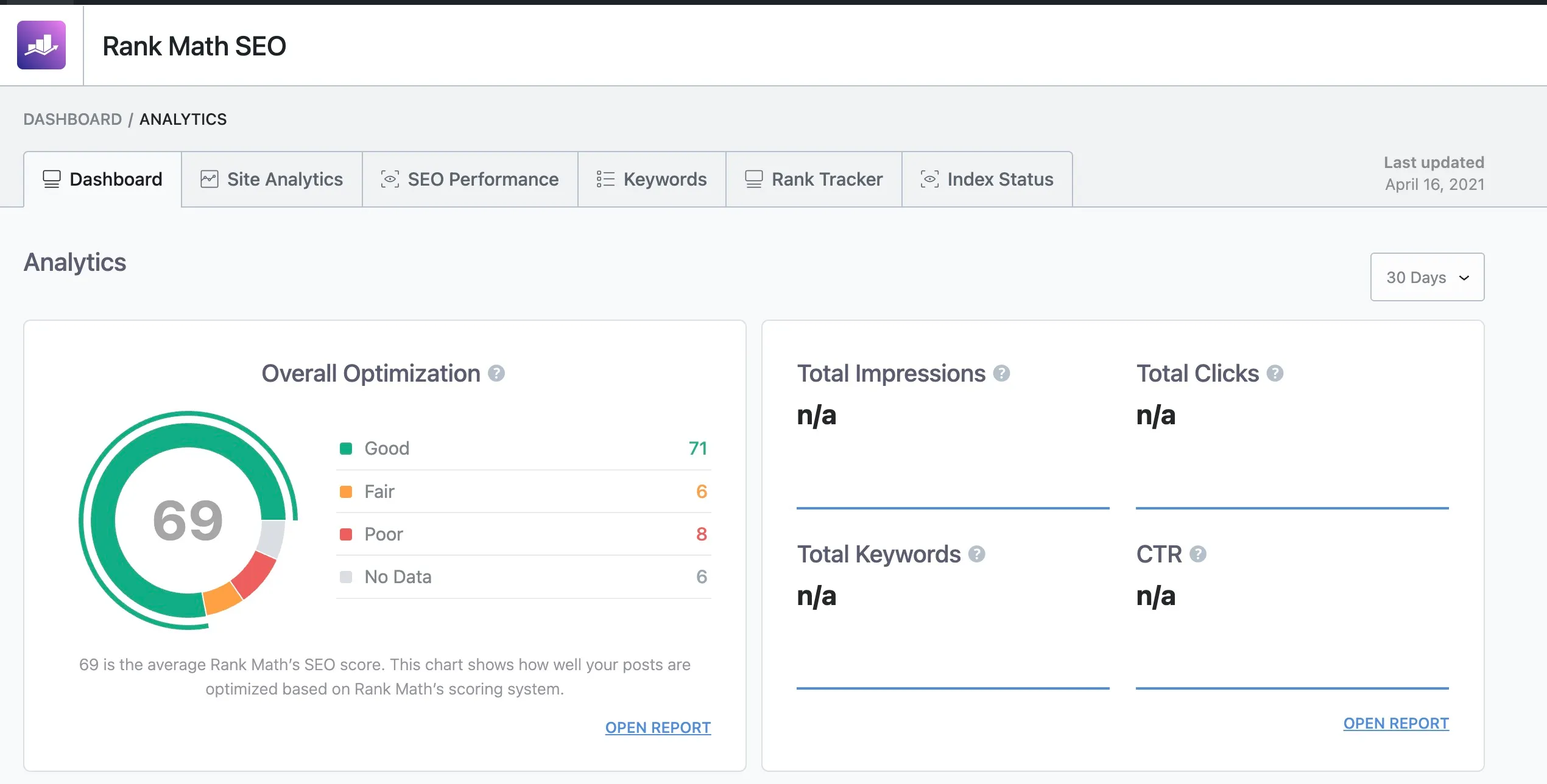
You get position history per post, top winning and losing keywords, and trend data without leaving WordPress. The PRO plan adds keyword rank tracking (500 keywords on PRO, 10,000 on Business, 50,000 on Agency).
A word of caution here. I have seen reports from users who say the ranking data inside Rank Math does not always match what Google Search Console shows directly. If you are making critical decisions based on ranking data, I would verify against the source. Use it for quick pulse checks, not as your single source of truth.
Content AI
This is the biggest addition since my original review, and the one I have the most mixed feelings about.
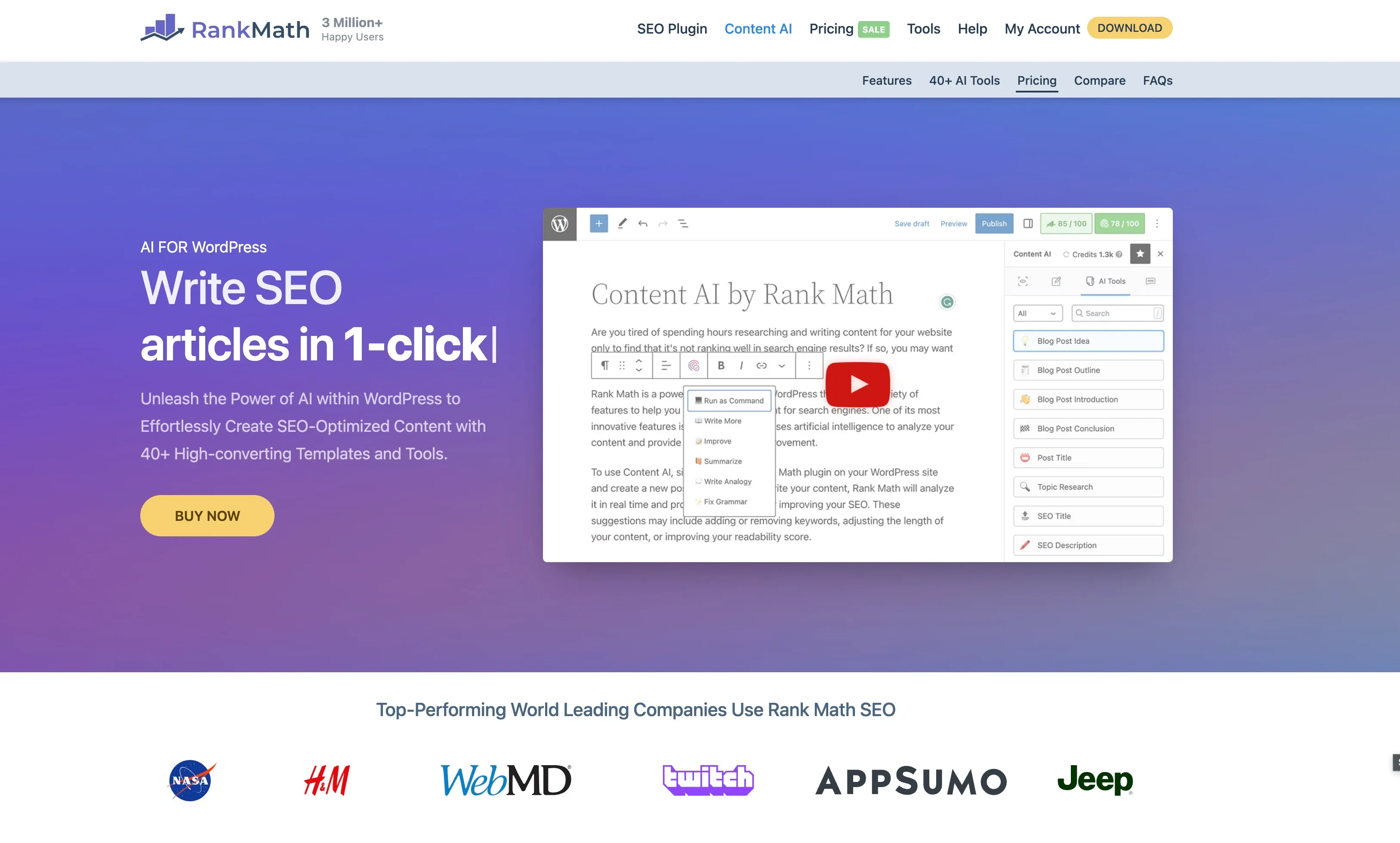
Rank Math now has 40+ AI writing tools built into the WordPress editor. You can generate blog post ideas, outlines, introductions, meta descriptions, FAQ sections, and even full articles with a click. There is also a RankBot, which is essentially a 24/7 AI assistant that answers SEO questions using 125+ curated prompt templates.
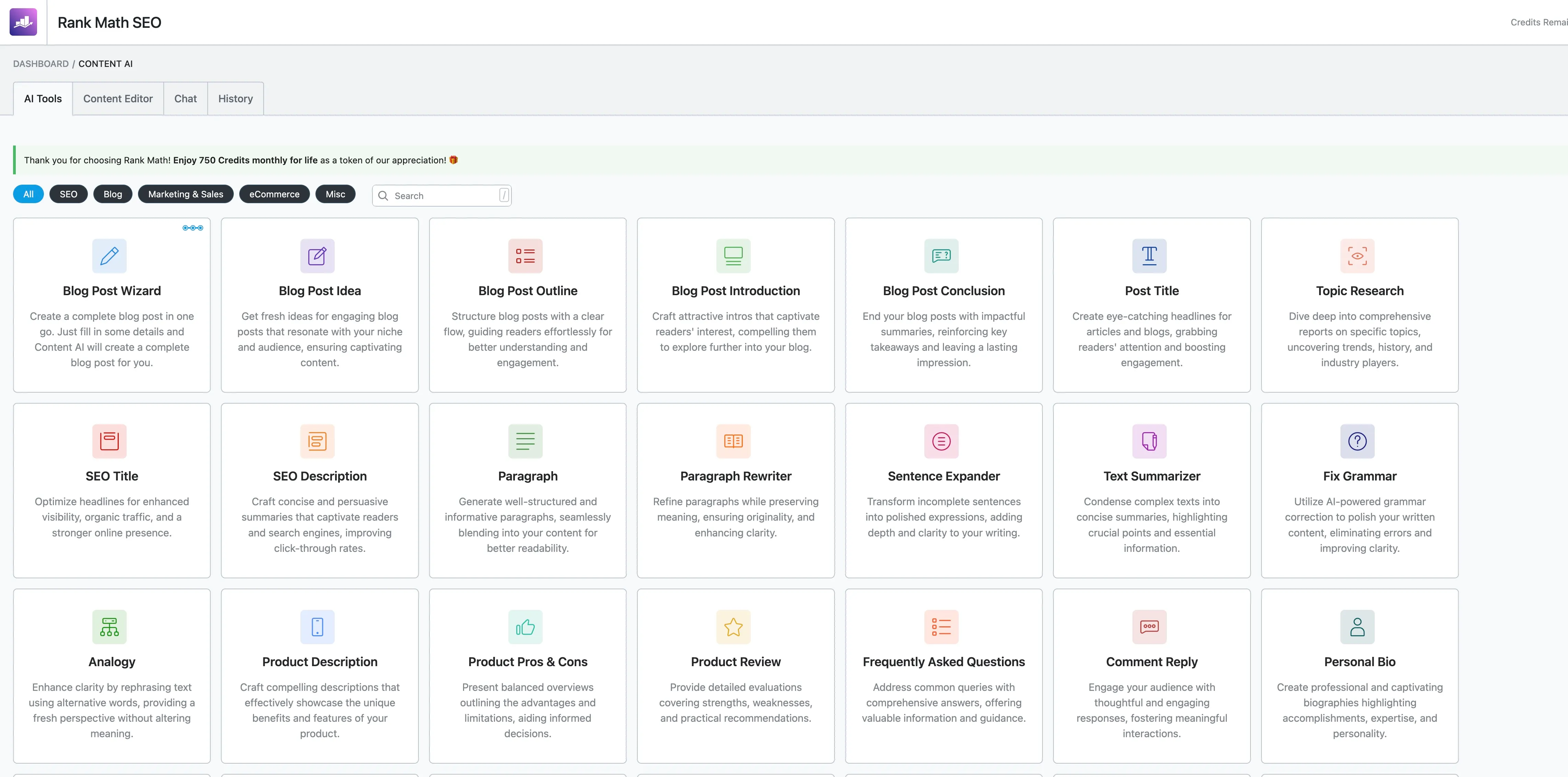
The AI features run on a credit system. Free users get 750 credits per month. One credit equals roughly one word of AI output. Paid Content AI plans range from $5.99/month (5,000 credits) to $16.99/month (30,000 credits).
Here is my honest take: the Content AI is useful for generating meta descriptions and title variations in bulk. For that specific workflow, it saves genuine time. But the long form content generation is not something I would rely on without heavy editing. I have seen the output described as “hastily developed to capitalise on the AI trend,” and while I think that is a bit harsh, the quality does not match standalone AI tools like Claude or ChatGPT. If you are already using those tools for content, Rank Math’s Content AI might not add much to your workflow.
The AI powered ALT text generation for images is a nice touch, though. Bulk generating ALT tags across an existing site is tedious work, and this does it reasonably well.
AI Link Genius
Launched in March 2026, this is Rank Math’s automated internal linking solution. It analyses your content and suggests relevant internal links across your entire site, handling keyword variations automatically.
Internal linking is one of those SEO tasks that everyone knows is important but few people do consistently. Having it automated inside the editor is genuinely useful. I would still review the suggestions before accepting them blindly, but as a starting point, it is better than doing nothing.
Instant Indexing
Rank Math integrates directly with the Google Indexing API, Bing, and Yandex to request immediate indexing of new or updated content. Instead of waiting for search engines to discover your changes on their next crawl, you can push the update directly.
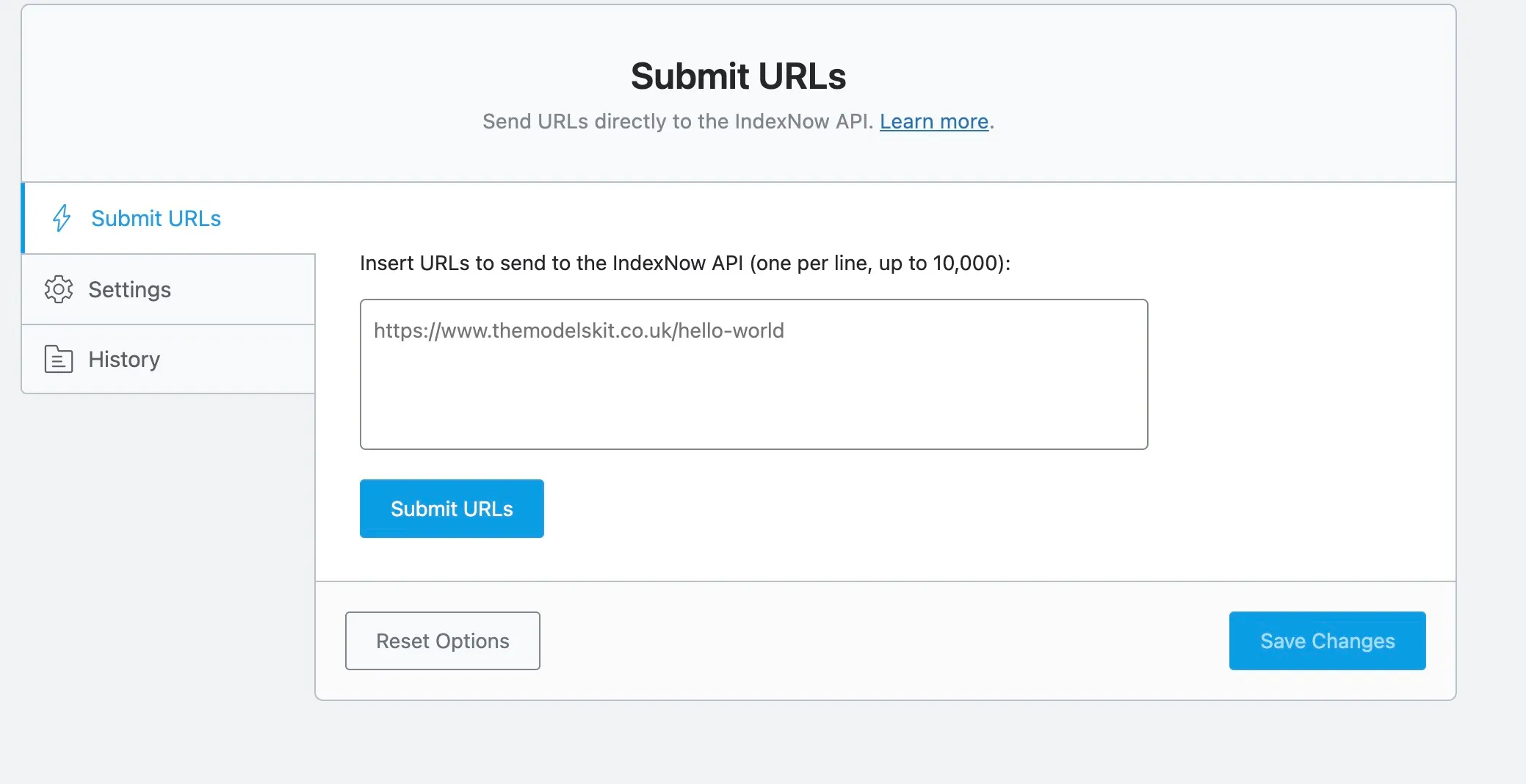
For news sites or anyone publishing time sensitive content, this is a meaningful feature. For most blogs, it is a nice convenience rather than a necessity.
WooCommerce SEO
If you run an online store on WooCommerce, Rank Math now handles product schema markup, product page optimisation, and WooCommerce specific SEO settings natively. Yoast charges $79/year for a separate WooCommerce SEO plugin. Rank Math includes it in the PRO plan alongside everything else.

Video SEO and Image SEO
Video SEO (PRO) auto detects embedded videos, generates video schema, and creates a dedicated video sitemap. Image SEO automates ALT and title tags across your media library.
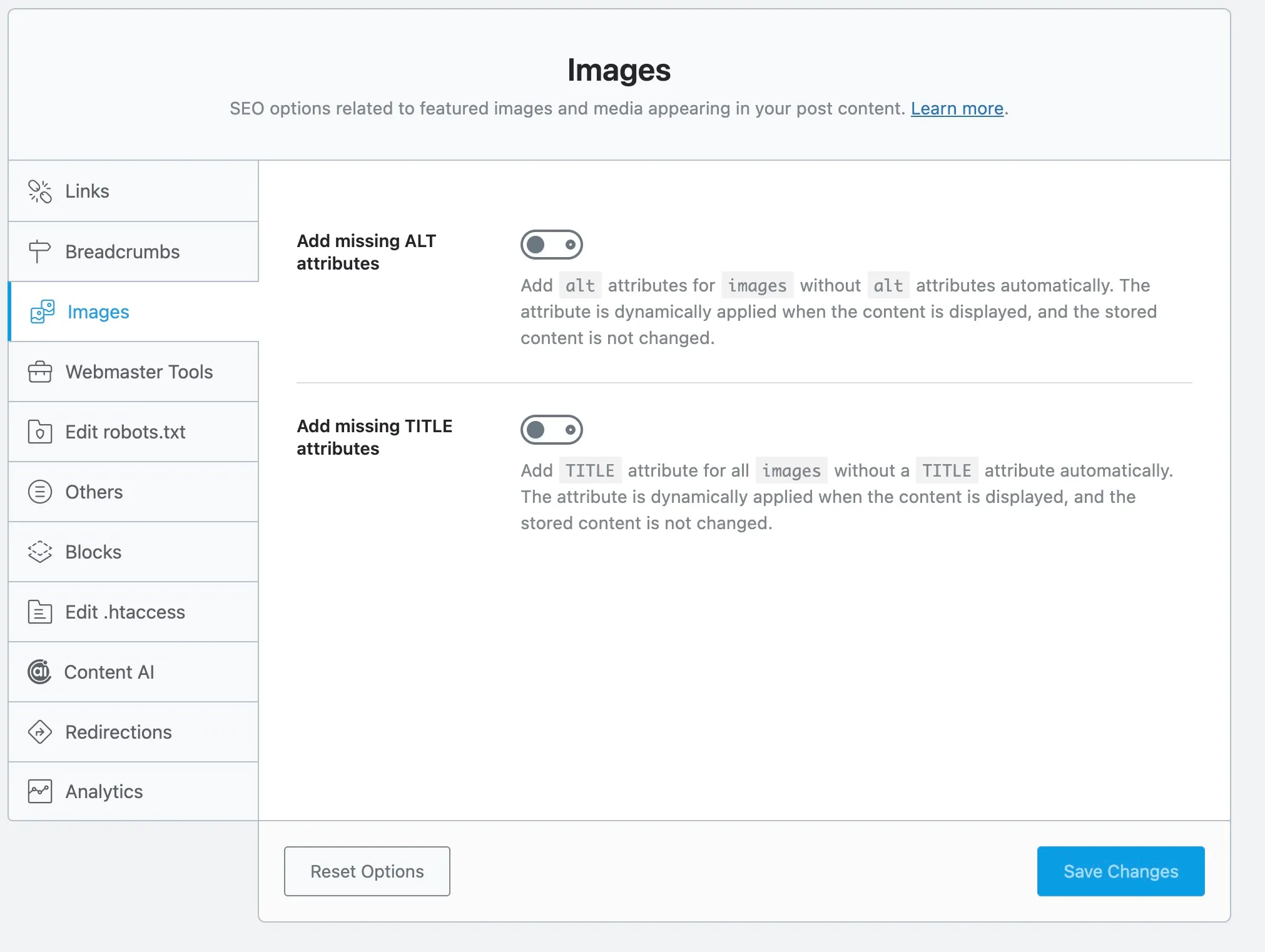
Both are features that Yoast sells as separate $79/year plugins. Rank Math bundles them in.
Local SEO Improvements
The Local SEO module now supports multiple business locations, Google Maps integration, and newer schema types like OnlineBusiness and OnlineStore. If you manage local businesses, this has come a long way from the basic implementation I saw in 2019.
What Still Needs Work
I would not be giving you an honest review if I only talked about what works. Here is what I think Rank Math could do better.
Content AI Quality
As I mentioned above, the AI content generation is functional but not impressive. The titles and meta descriptions it produces often feel generic. If you are paying separately for Content AI credits on top of a PRO subscription, I would question whether you are getting enough value compared to using a dedicated AI tool. The credits also burn quickly. 750 free credits sounds generous until you realise that is roughly 750 words of output per month.
Analytics Accuracy
Multiple users have reported discrepancies between Rank Math’s analytics and the data shown directly in Google Search Console. Keyword counts occasionally show zero when they should not. I would treat the built in analytics as a convenience feature rather than a reporting tool.
Dashboard Notifications
Rank Math has a habit of promoting its premium features and Content AI credits through dashboard notifications. It is not aggressive by WordPress plugin standards, but if you are the type who keeps a clean admin area, the upsell prompts will annoy you.
Search Console Reconnection
There is a known bug where Rank Math requires you to reconnect Google Search Console every time you log out of WordPress. It is a minor annoyance, but it is the kind of thing that should have been fixed by now.
Pricing in 2026
The free version of Rank Math remains genuinely excellent. Most small to medium sites will never need to upgrade. But for those who do, here is the breakdown.
| Plan | Price (Monthly) | Sites | Keywords Tracked | Content AI Credits |
|---|---|---|---|---|
| Free | $0 | Unlimited | N/A | 750/month |
| PRO | $7.99 | Unlimited (personal) | 500 | 5,000 trial |
| Business | $24.99 | 100 client sites | 10,000 | 12,000 trial |
| Agency | $54.99 | 500 client sites | 50,000 | 30,000 trial |
For context, Yoast Premium costs $118.80 per year for a single site. Rank Math PRO covers unlimited personal sites for $95.88 per year. If you manage multiple sites, the cost difference is staggering.
Content AI credits are separate and optional:
| Plan | Price (Monthly) | Credits |
|---|---|---|
| Free | $0 | 750 |
| Starter | $5.99 | 5,000 |
| Creator | $10.99 | 12,000 |
| Expert | $16.99 | 30,000 |
Rank Math vs Yoast in 2026
This is the comparison everyone wants, so here it is.
| Feature | Rank Math (Free) | Yoast (Free) | Yoast (Premium) |
|---|---|---|---|
| Focus keywords per post | Unlimited | 1 | 5 |
| Schema types | 20+ | Limited | Limited |
| Redirect manager | Yes | No | Yes |
| Internal link suggestions | Yes | No | Yes |
| Content analysis tests | 30+ | 8 | 20+ |
| WooCommerce SEO | PRO | No | Separate $79/yr plugin |
| Video SEO | PRO | No | Separate $79/yr plugin |
| Local SEO | PRO | No | Separate $79/yr plugin |
| GSC integration | Yes | No | No |
| Google Analytics integration | PRO | No | No |
| Instant Indexing | Yes | No | No |
| Support (free users) | Ticket based | Forum only | Forum only |
| Annual cost (1 site) | $0 | $0 | $118.80 |
| Annual cost (10 sites) | $95.88 | $0 | $1,188.00 |
The numbers speak for themselves. Rank Math’s free version in 2026 offers more than Yoast Premium did when I wrote the original review in 2019. Yoast’s only remaining advantage is brand familiarity. For anyone managing multiple WordPress sites professionally, the pricing alone should settle the debate.
My Updated Verdict
In 2019, I said I was impressed. In 2026, I would say Rank Math has delivered on almost everything it promised and then some. The core SEO features are rock solid. The Schema builder is best in class. The free version is absurdly generous compared to the competition.
The AI features are where I would temper expectations. They are useful for specific workflows (bulk meta descriptions, ALT tags) but not a replacement for proper content creation tools. And the analytics module is a convenient overview, not a replacement for looking at Google Search Console directly.
If you are starting a new WordPress site today, Rank Math is what I would recommend. If you are on Yoast and considering a switch, the migration tool makes it painless. If you are already on Rank Math free and wondering about PRO, the value is there if you need the analytics, WooCommerce SEO, or keyword tracking. Otherwise, the free version will serve you well.
Seven years is a long time in the plugin world. Most plugins peak and stagnate. Rank Math has done the opposite.
You might also like
Stay in the loop
I'll email you when I publish something new. No spam. No fluff.
Join other readers. Unsubscribe anytime.

Entrepreneur & Search Journey Optimisation Consultant. Co-founder of Keyword Insights and Snippet Digital.