Search Console now reports multimodal search. You can see the pages but not the queries.
Releases
Google split Search Console’s Web search type into two views today.
Text-based and multimodal. Select Web in the Performance report and you can now choose between them.
The multimodal view shows which of your pages appear when someone searches using an image. You can see the pages, clicks and impressions, but not the query that prompted the search. And for now, you can’t get this data through the Search Console API.
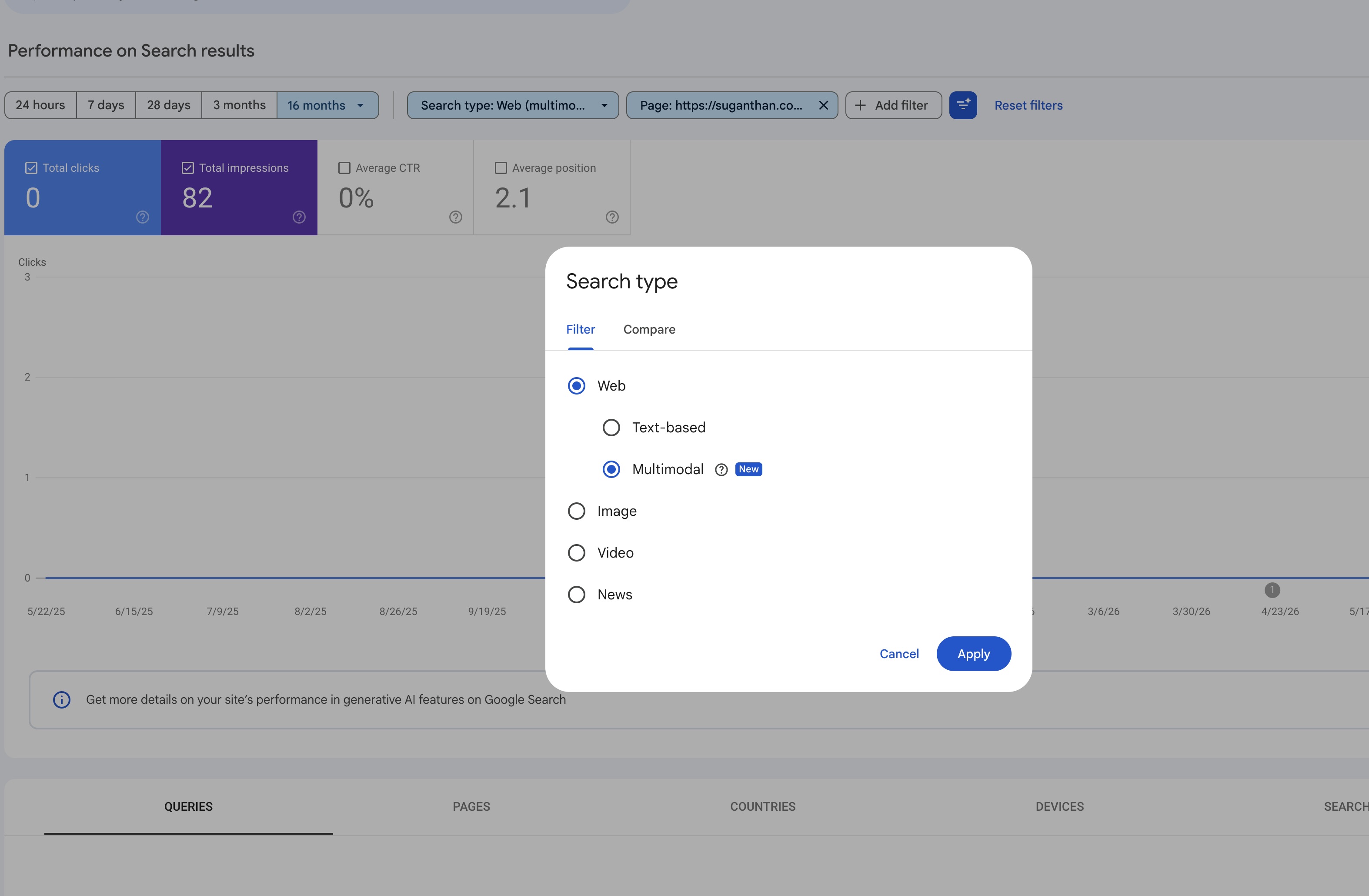
Multimodal covers web searches that involve an image. That includes Google Lens, Circle to Search, and photos or screenshots uploaded to Google. Searches made entirely with text stay in the text-based view. Google explains the distinction on its Performance report help page. The feature is still rolling out, so you might not see it on every property yet.
There’s plenty of activity behind this. Lens alone handles more than 25 billion queries a month, according to Google in December 2025. At I/O in May, Google also announced a search box that accepts images and files alongside text.
The report gives you clicks and impressions by page, as you’d expect. What it doesn’t give you is queries. That’s deliberate. Google says most of these searches start with an image, so there’s no text query to report.
For me, the useful part is the Pages tab. It shows which pages Google surfaces in response to an image. If you run an online shop, those might be product pages people find by photographing something they want to buy. Screenshots count too. A page explaining an error message could appear when someone searches with a screenshot of that error.
You can use the Compare tab to put text-based and multimodal performance side by side. If a page gets a much larger share of its traffic from multimodal searches than the rest of your site, pay attention to its images during a redesign. People are already finding that page through visual searches.
The same applies if you replace stock photos with your own photography. Filter the report to that page and look for changes in its multimodal performance. For now, this report is the only place to check that data.
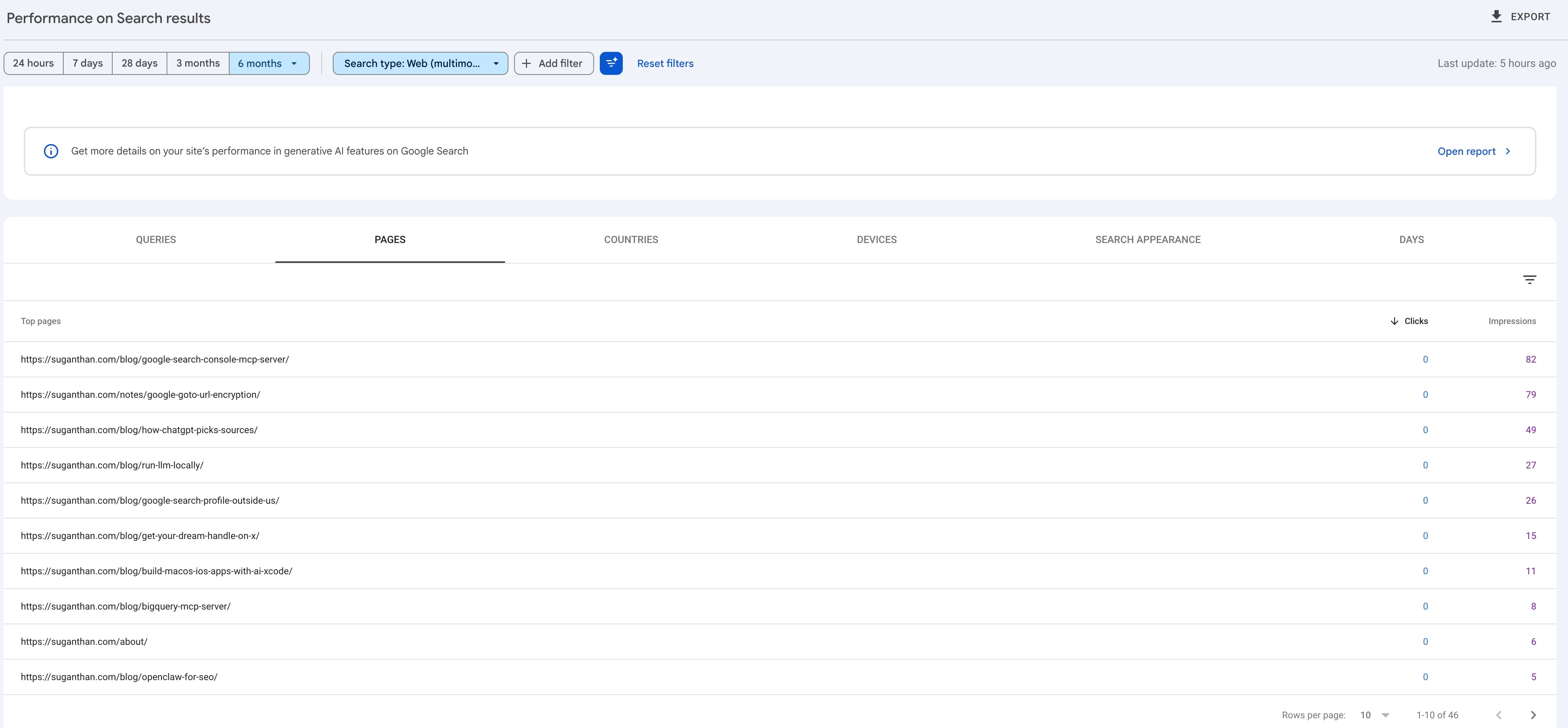
There’s a limit to how much you can do with it, though. You can see which pages appear, but you can’t see the image someone used or any words they added to the search. Without that context, it’s hard to know what needs improving. I’d treat it as something to monitor rather than a report that tells you what to change.
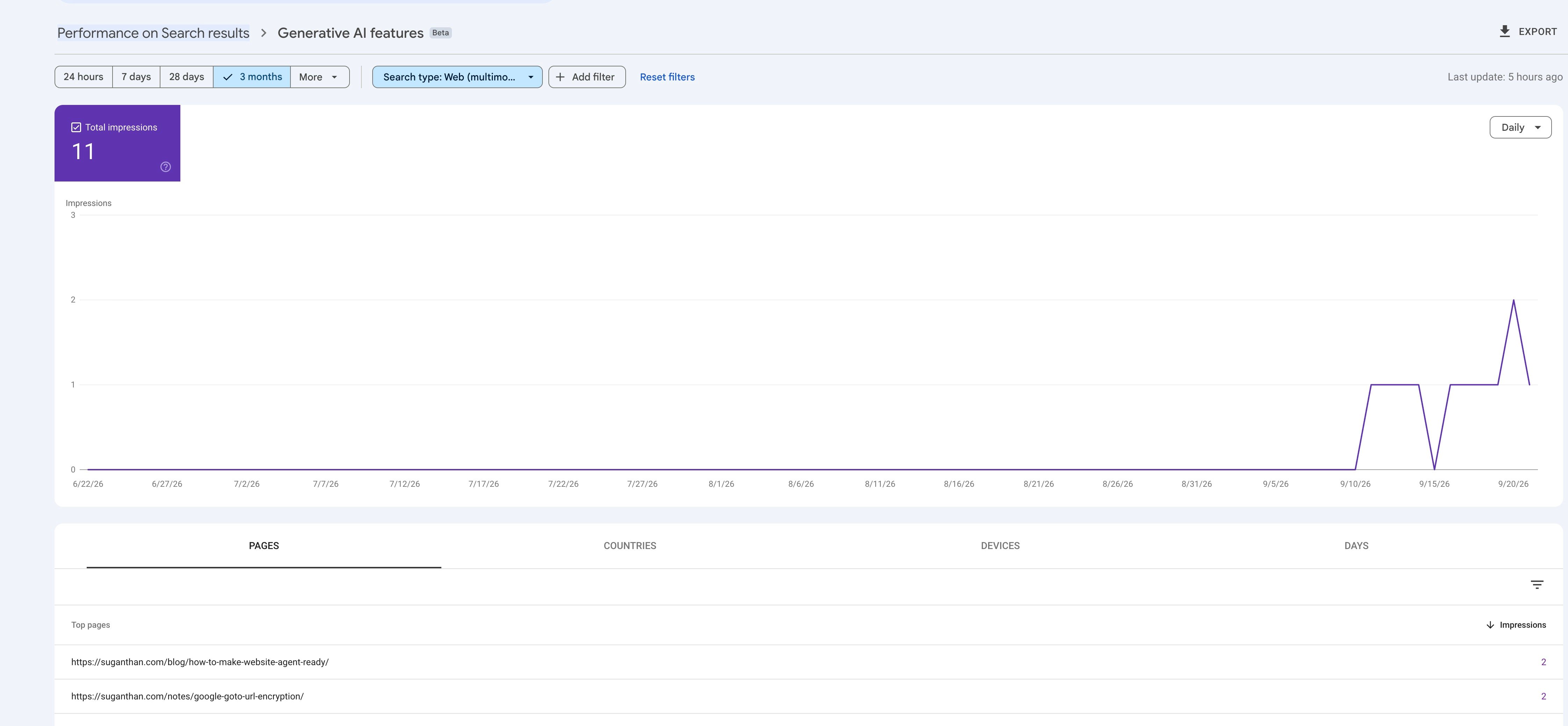
You can also see this filter inside the Generative AI page.
Then there’s the API limitation.
I tested it when the feature appeared, using this site and a client site. I tried 21 plausible values for the API’s type field, including webMultimodal and WEB_MULTIMODAL. Every one returned the same invalid value error I got when I supplied a made-up word.
Google’s API definition had been revised the day before launch, but it still listed only web, image, video, news, discover and googleNews. There’s nothing for multimodal in the BigQuery bulk export so far, either.
That means my Search Console MCP, and other tools built on the API, can’t show multimodal as a separate view.
The API’s web figures do match the new text-based view at the precision shown in the UI. On the client site, the API returned 21,380 clicks and 2,263,857 impressions for the last three months. The text-based view showed 21.4K clicks and 2.26M impressions. Multimodal is either excluded from the API’s totals or too small to make a difference to those rounded figures. That comparison alone doesn’t tell us which.
This makes it the third Search Console feature since June that’s available only in the UI, following the Generative AI report and platform properties.
For now, I’d check the Pages tab once a month. It’ll become more useful if Google adds query details, or if visual searches start bringing meaningful traffic to your site.