Google builds Search Profiles from social accounts. My URL generator now finds the ones the Knowledge Graph API misses.
Tools
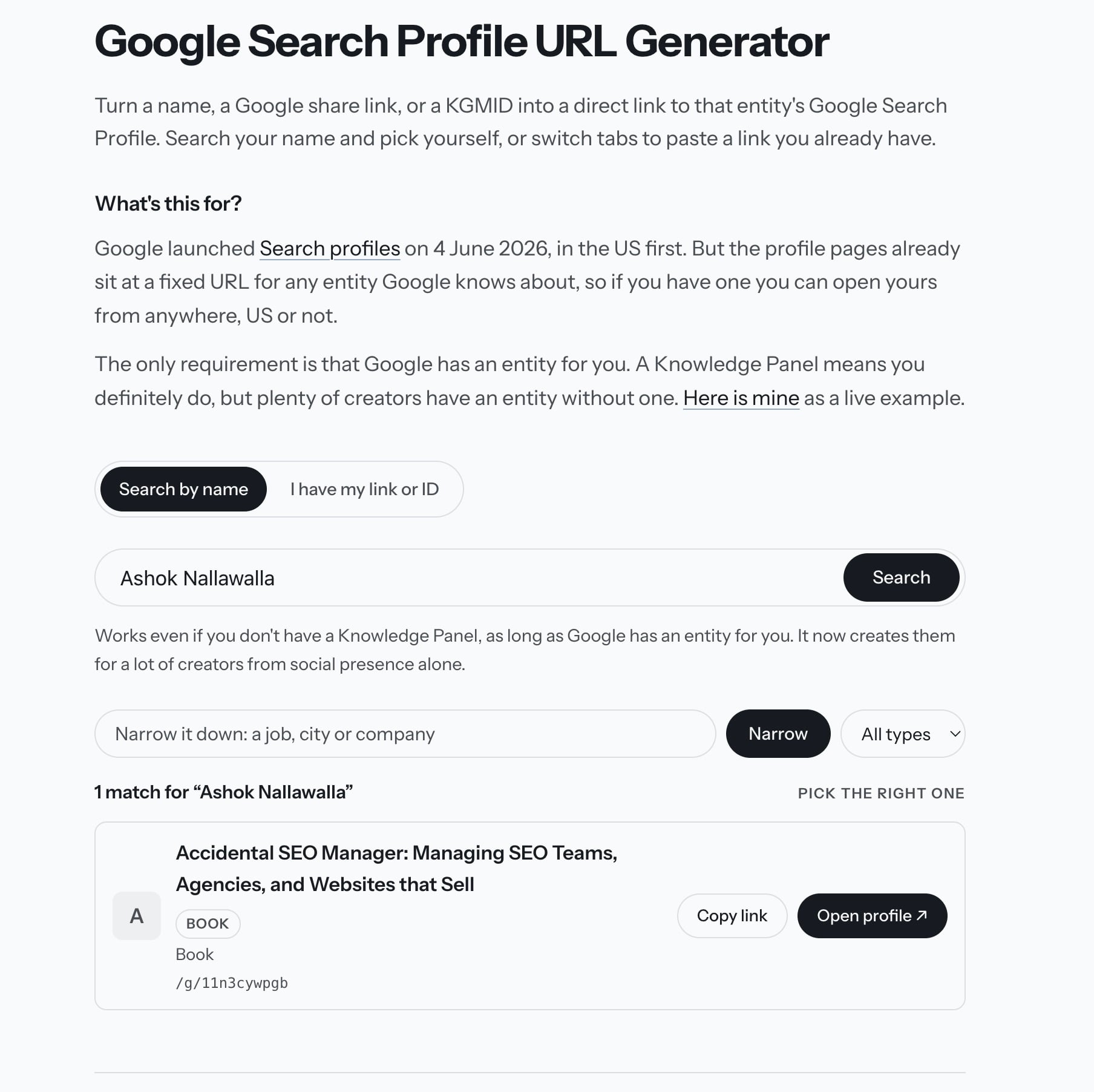
Until 18th September, searching for “Ashok Nallawalla” in my Search Profile URL generator returned his book. Nothing else.
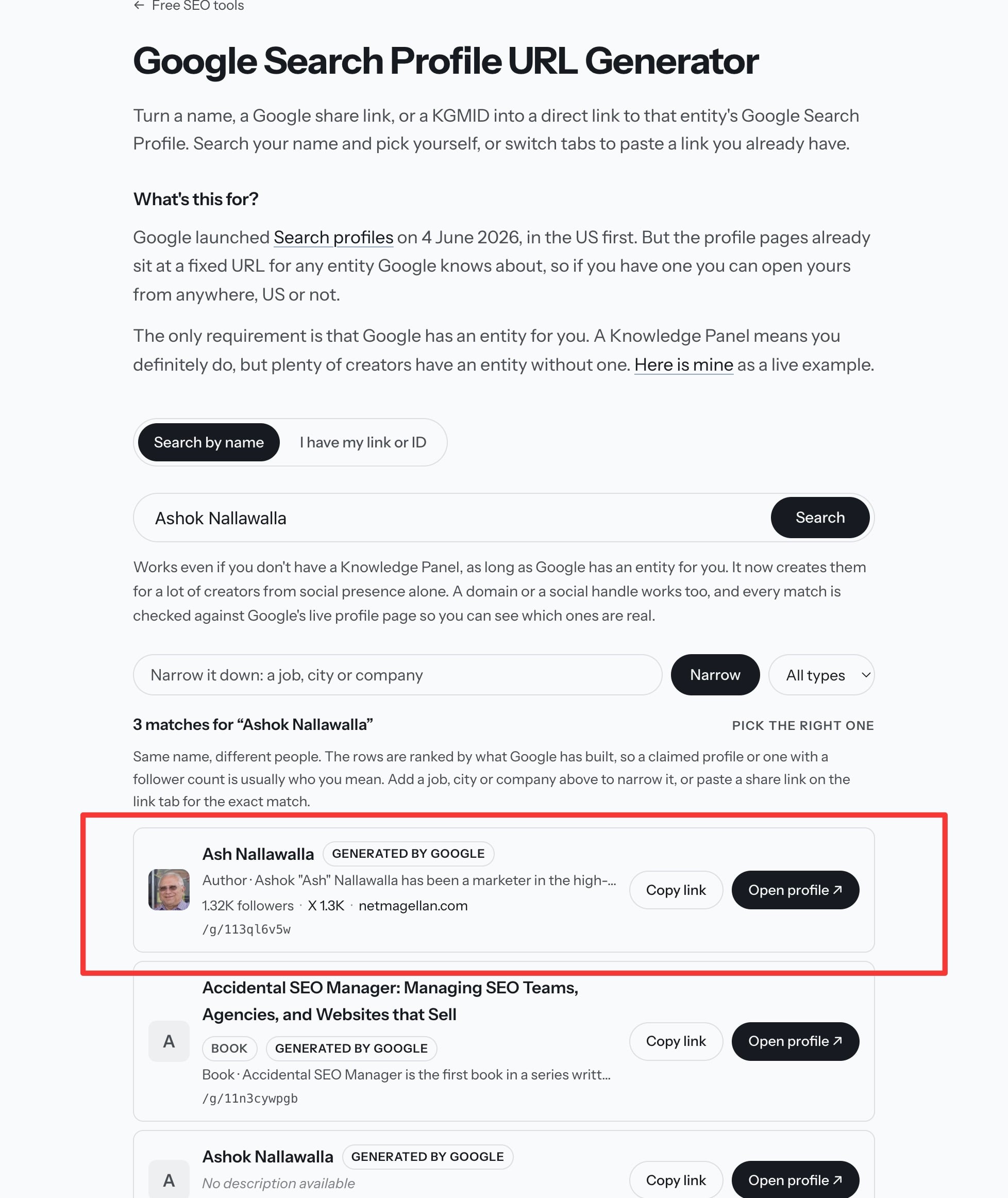
His Search Profile exists under /g/113ql6v5w. My tool just couldn’t find it. Damien Andell has been finding profiles like this for creators, built from their social accounts alone.
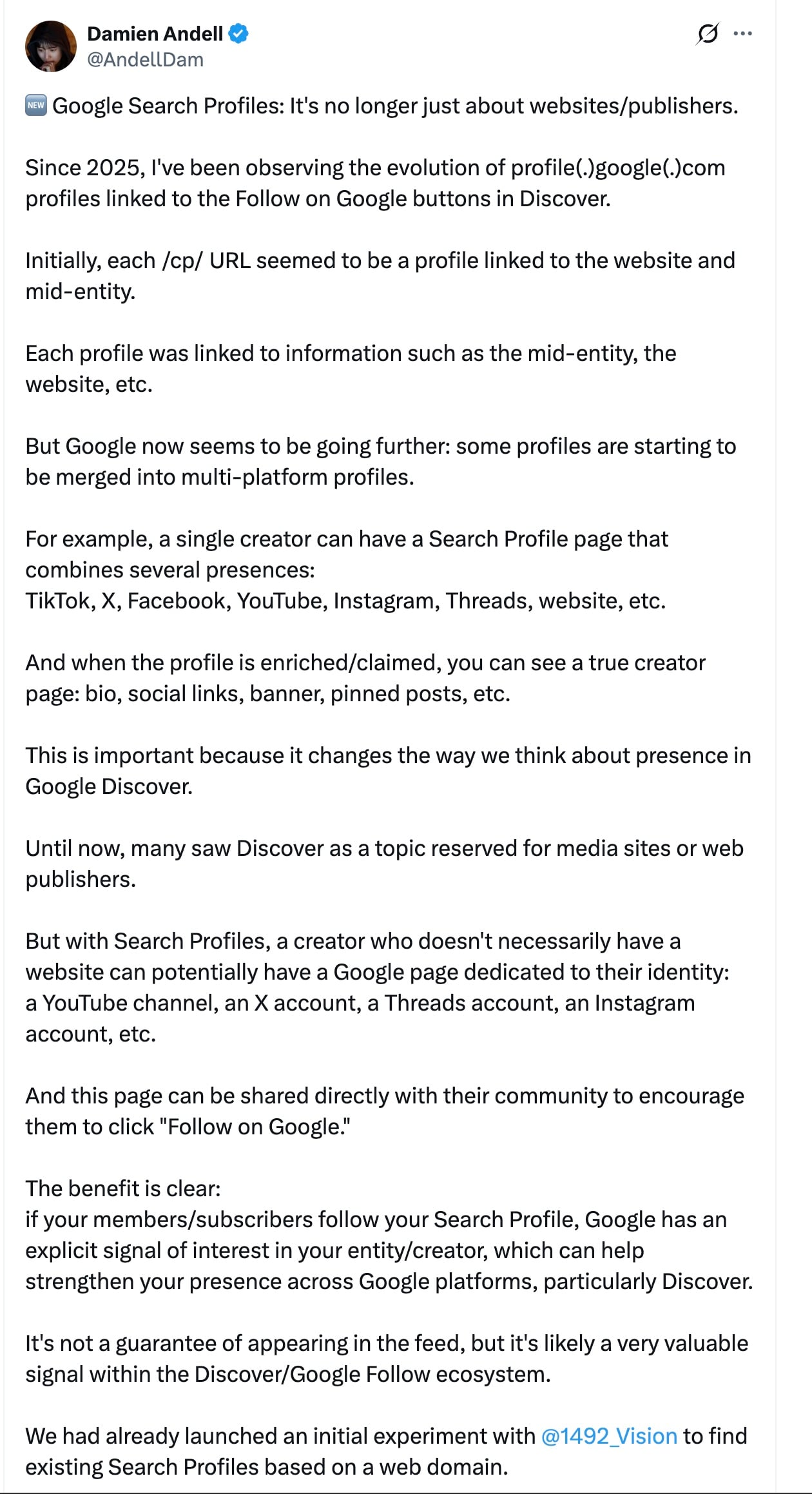
Damien co-founded 1492.vision and has been tracking these pages since 2025. In July, he posted on X that Search Profiles were no longer just for websites and publishers. Google now creates them for individual creators from their social accounts. No website or Knowledge Panel needed.
These profiles still get a Follow on Google button and a combined follower count from accounts on X, Instagram, YouTube or Threads.
Ash’s profile is one example. It links to his X account and his website, shows 1.32K followers, and carries the label “Profile generated by Google”.
The problem was where my tool was looking. It only queried the Knowledge Graph Search API, which returns his book, /g/11n3cywpgb, but never returns the entity behind his profile, /g/113ql6v5w.
Google Trends’ autocomplete endpoint does. It returns that entity first, as “Ash Nallawalla, Author”.
It also accepts a domain or a social handle. Both netmagellan.com and @ashnallawalla return him, with no API key or cookies required. A full social URL such as x.com/ashnallawalla doesn’t work directly, so the tool extracts the handle and host from a pasted link before querying the endpoint.
I’ve updated the tool to query both indexes and merge the results.
Finding an entity is only part of the job, though. The tool now opens every candidate’s profile page before showing it in the results.
Every profile.google.com/cp/ page returns HTTP 200, even when Google hasn’t built a profile for that ID. The status code alone tells you nothing. The page title gives you the useful bit: “Search profile” means someone has claimed it, “Google” means Google generated it, and “Error” means there’s no profile there.
The tool also reads the follower total, linked accounts and website from the page, then uses that information to rank the results. Claimed profiles come first, followed by Google-generated profiles with linked accounts, then bare entities.
That matters because Google holds more than one entity for most of the people I tried. I found five for myself and six for Nathan Jeffery. In both cases, only one had a follower count. That’s the one the tool now puts at the top.
These profile pages are marked noindex, so you won’t find them with a site: search. Reading each page directly is the only check I’ve found that works.
Credit to Nathan Jeffery and Jes Scholz for the URL trick, and Damien for the creator angle.
The tool now accepts a name, domain or social handle. If you already have an entity ID, paste it into the link tab to check whether Google has built a profile for it.