
Fanout Fox
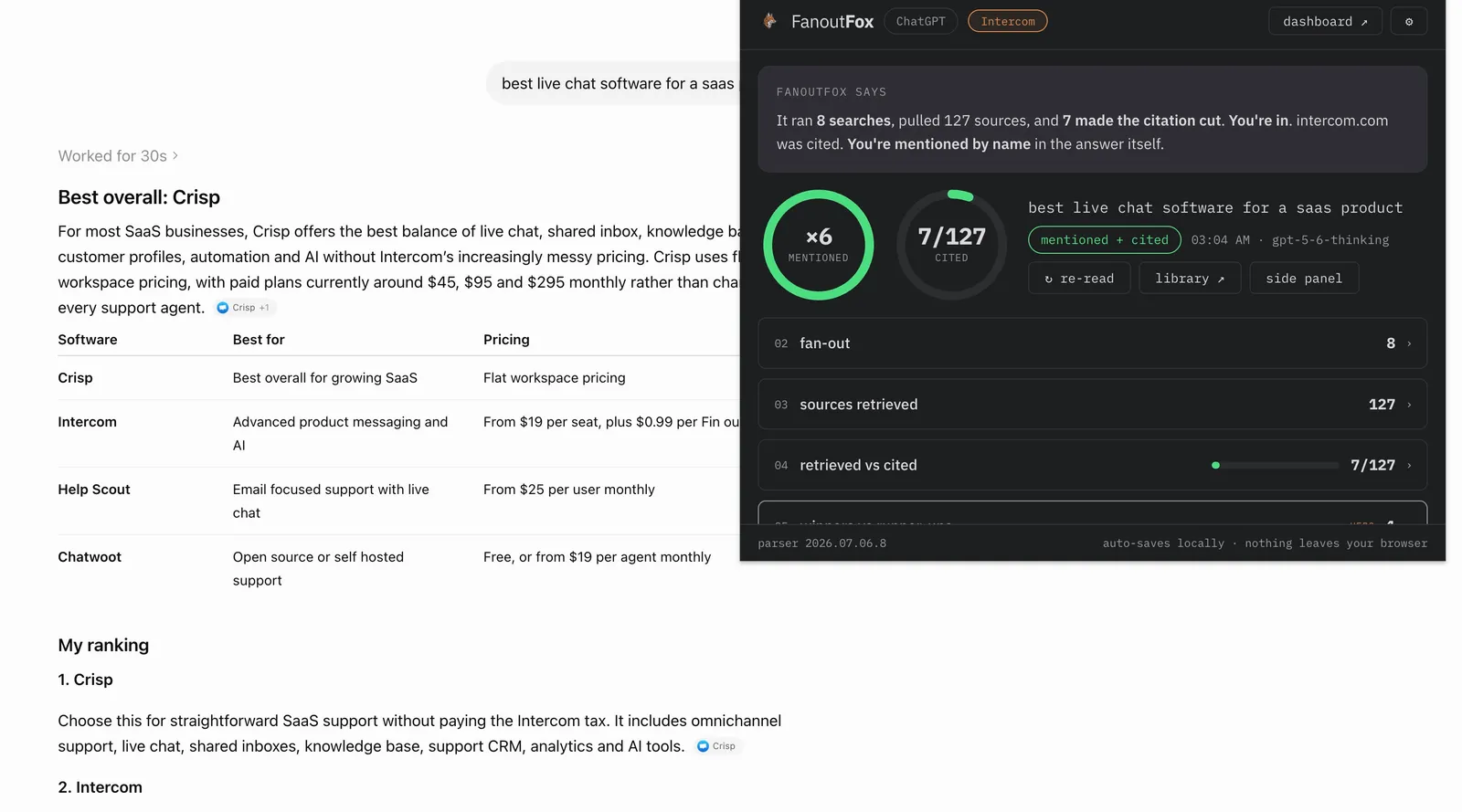
Free Chrome extension that reads your own ChatGPT session and shows the fan-out, the sources, and who got cited behind every answer. Everything stays in your browser.
- Rating from 30 ratings
- 4.9
- Users on the Chrome Web Store
- 2,000
- Current version
- 2.0.3
- Last updated
- 2 Sep 2026
From the Chrome Web Store listing on 20 Oct 2026, refreshed at every build.
What it shows
- The searches it actually ran
- The pages it fetched
- Who it cited
- Who it only mentioned
- Who beat you on each claim
Depending on the job you need doing, it’s a generative engine optimization (GEO) tool, a ChatGPT SEO tool, or an AI rank tracker.
How it works
You browse ChatGPT the way you always do. When an answer finishes, you click the fox in your toolbar, and FanoutFox reads that answer’s traffic the same way I’ve been reading it by hand, then lays it out in plain language.
Everything stays in your browser. There’s no account and nothing runs on a server.
Two ways to install
Chrome Web Store
The easy path, one click and automatic updates, and it’s where most people should start.
Manual download
The same code with no review queue in front of it. When ChatGPT breaks something, the fix goes up the moment it’s ready.
The changelog records every release and whether it’s live on the store yet.
Writing about it
- ChatGPT Rebuilt Its Search Tool. I Read the New Language It Speaks.
- ChatGPT Already Knows Who's In The Running Before It Searches
- FanoutFox: A Free ChatGPT SEO Tool That Shows How It Picks Sources
- ChatGPT Changed How It Picks Sources While You Were Reading My Last Post
- How ChatGPT Actually Picks Sources (I Read the Network Traffic, Not the Outputs)
Free, local, one click.